/01
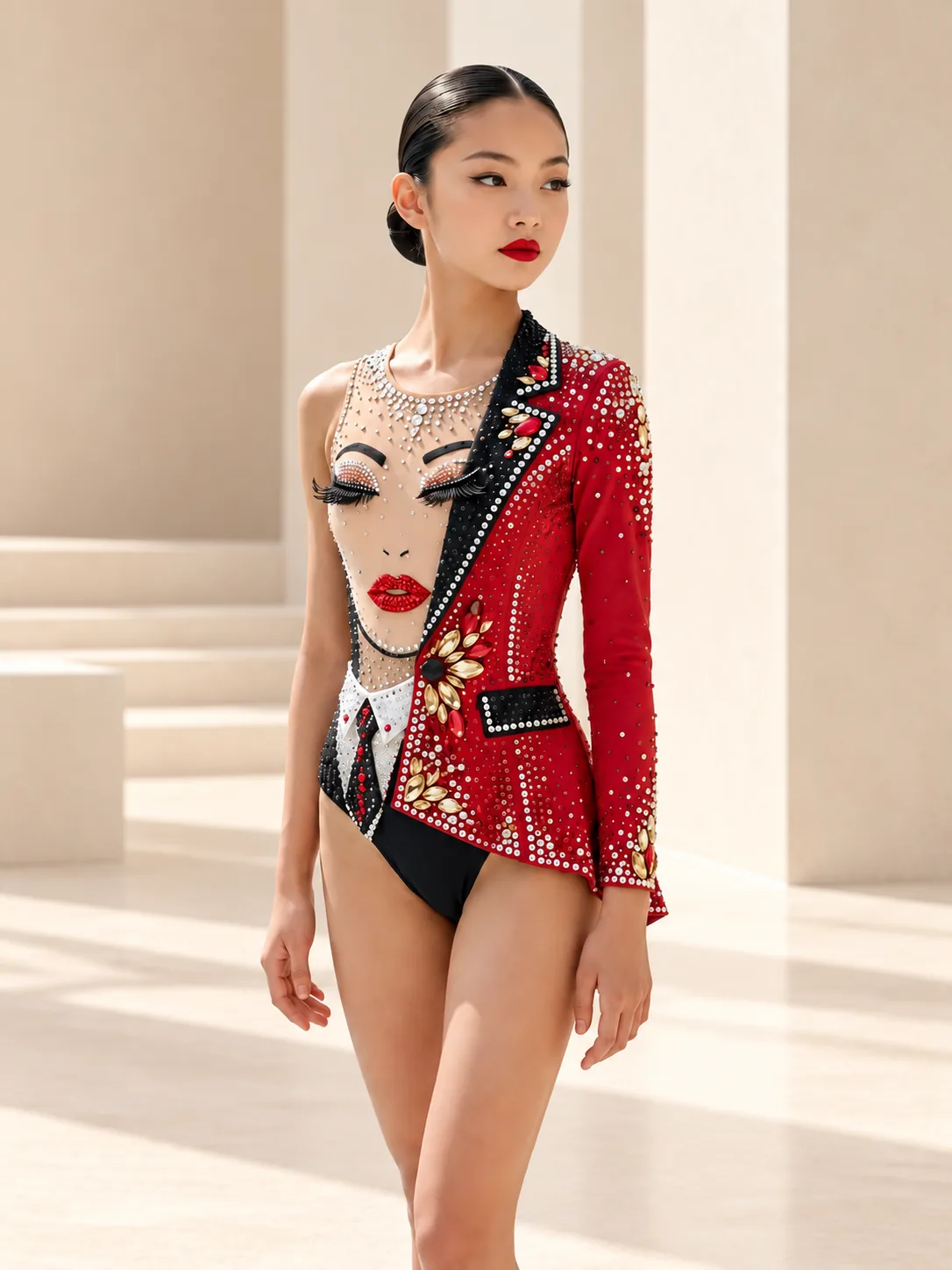
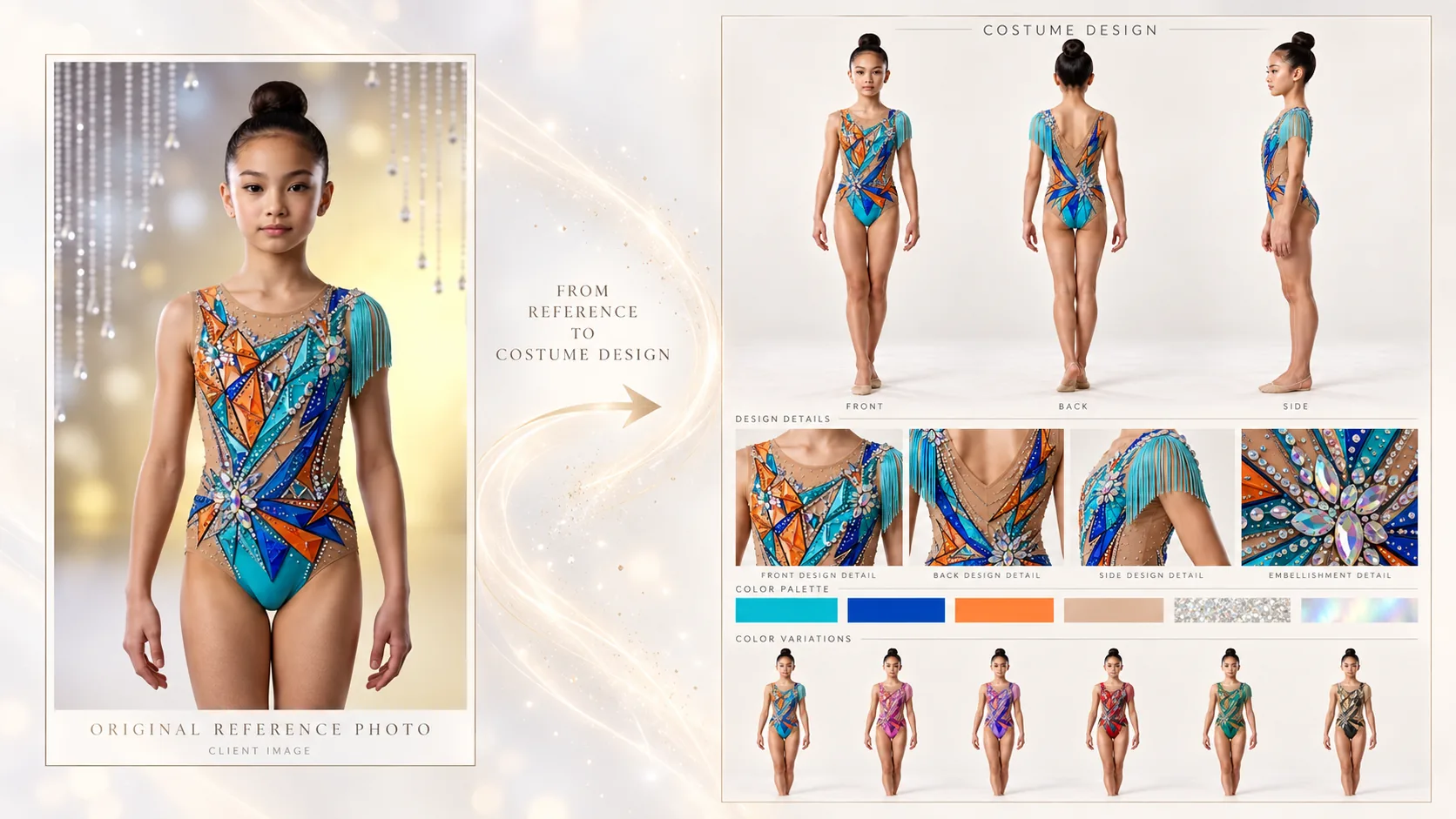
A good reference rarely shows a leotard from every angle. The front may already define the whole idea — the color palette, linework, appliqué, embellishment and skirt — while the back, side details and transitions are still open to interpretation.
This is where AI generation becomes genuinely useful: not for creating a completely new leotard from scratch, but for taking a design you already like and exploring how it could continue on the other side.
All you need is one image and a well-written prompt.
Inspiration can come from anywhere: Pinterest, Instagram, designers and ateliers, competitions, or your own saved references.
New designs are added to the AROA Pinterest account every day — more than a hundred each week. Save anything that catches your eye so you can easily return to it later.
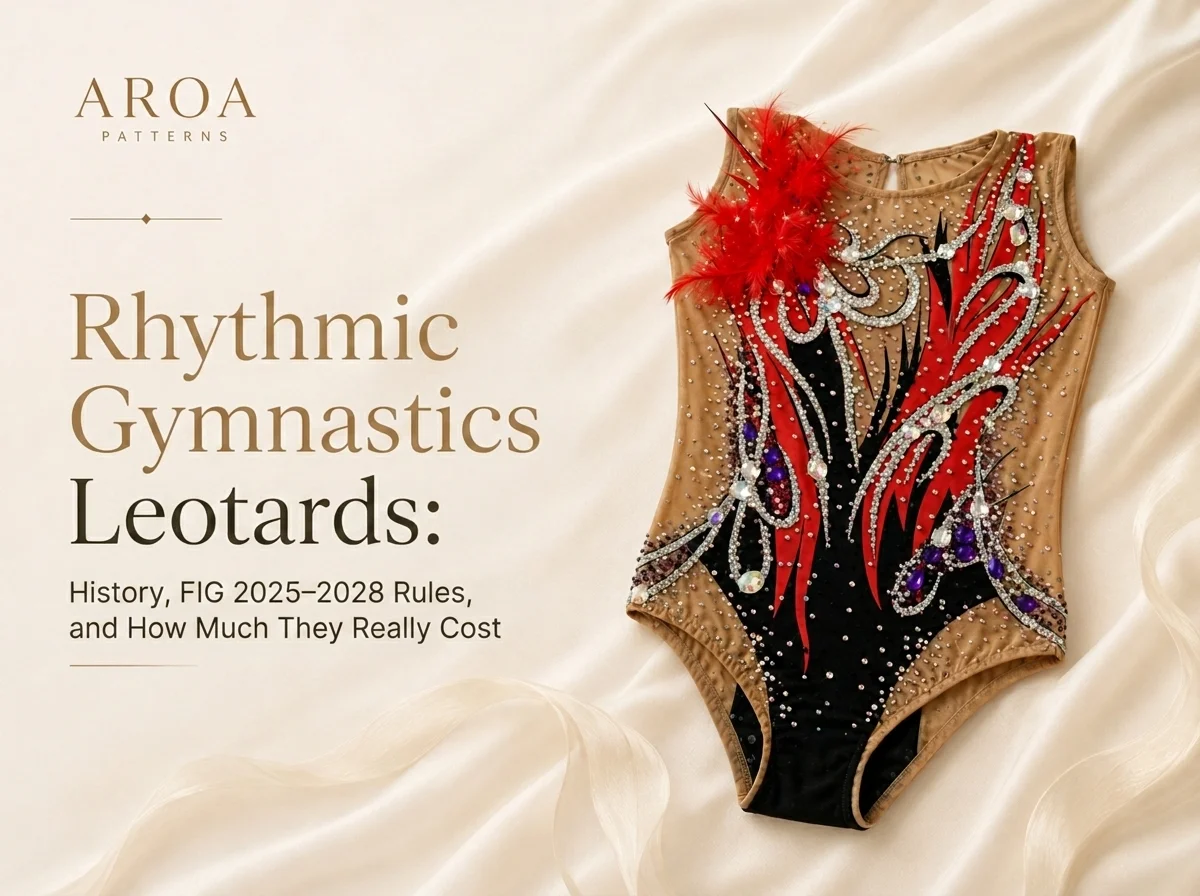
For this article, we chose one rhythmic gymnastics leotard design from the AROA Pinterest collection. The front already feels complete. Now let’s see what the back could look like.
Save the reference image, upload it to ChatGPT and send it together with this prompt:
Use the uploaded leotard image as the design reference.
Create a refined back-view concept for this same leotard, as if it were designed by the same professional designer. Keep the overall style, mood, color palette, silhouette, fabrics, line language, decoration density, appliqué logic, crystal placement style, mesh logic and competition feel consistent with the original design.
Do not copy the front onto the back mechanically. Instead, design a back that feels intentional, elegant and visually exciting, with a strong designer look. Let the back continue the idea of the front in a believable way.
Choose a back solution that best suits this specific design, such as an open back, keyhole back, V-back, asymmetric back, strap composition, elegant mesh back, layered cutout structure or another competition-appropriate construction. Avoid generic or repetitive back designs. Vary the solution depending on the front design.
Preserve wearability and a realistic gymnastics competition function. The result should look polished, original and cohesive.
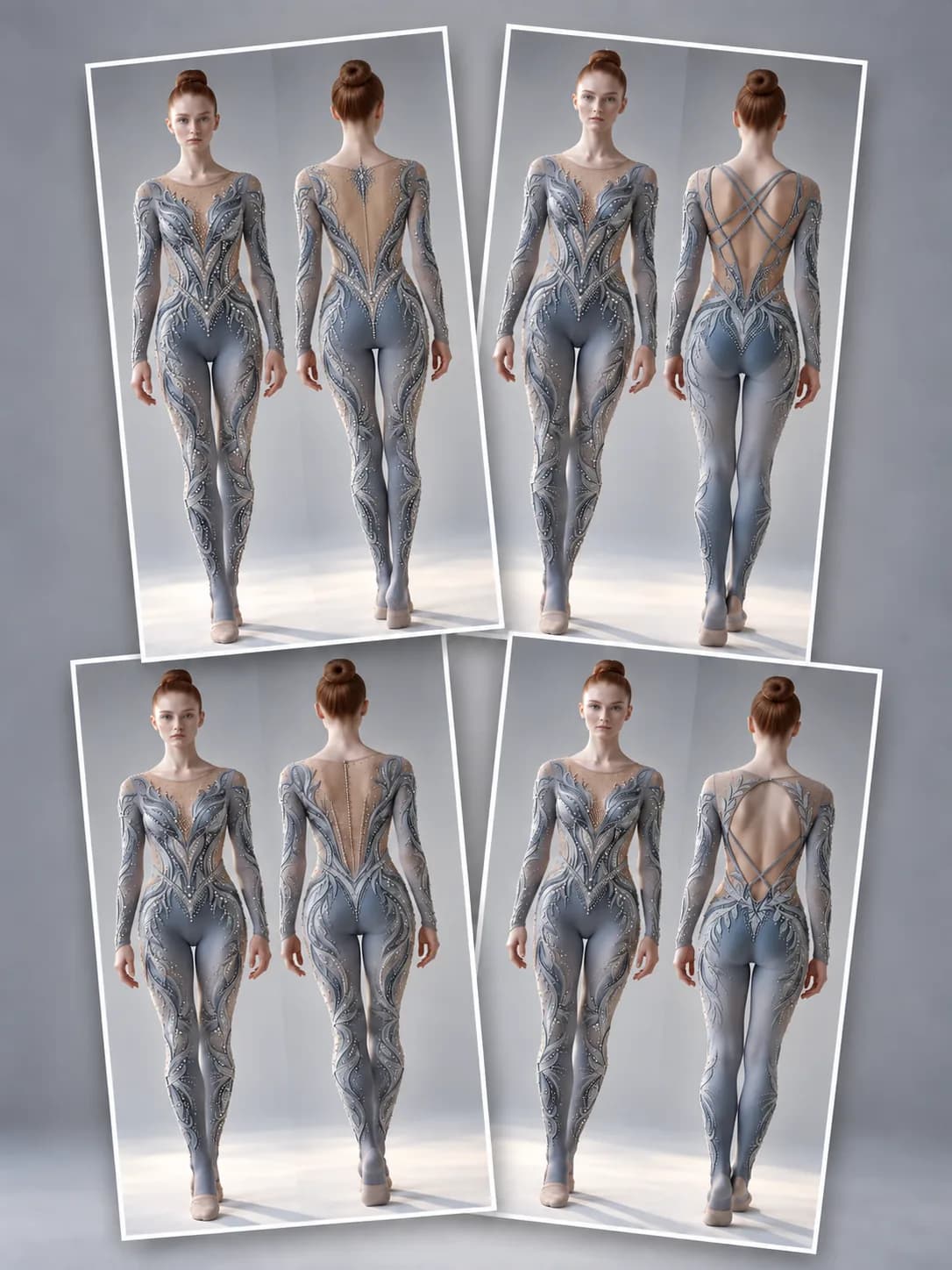
Show the result as a clean fashion presentation with both front view and newly created back view side by side.
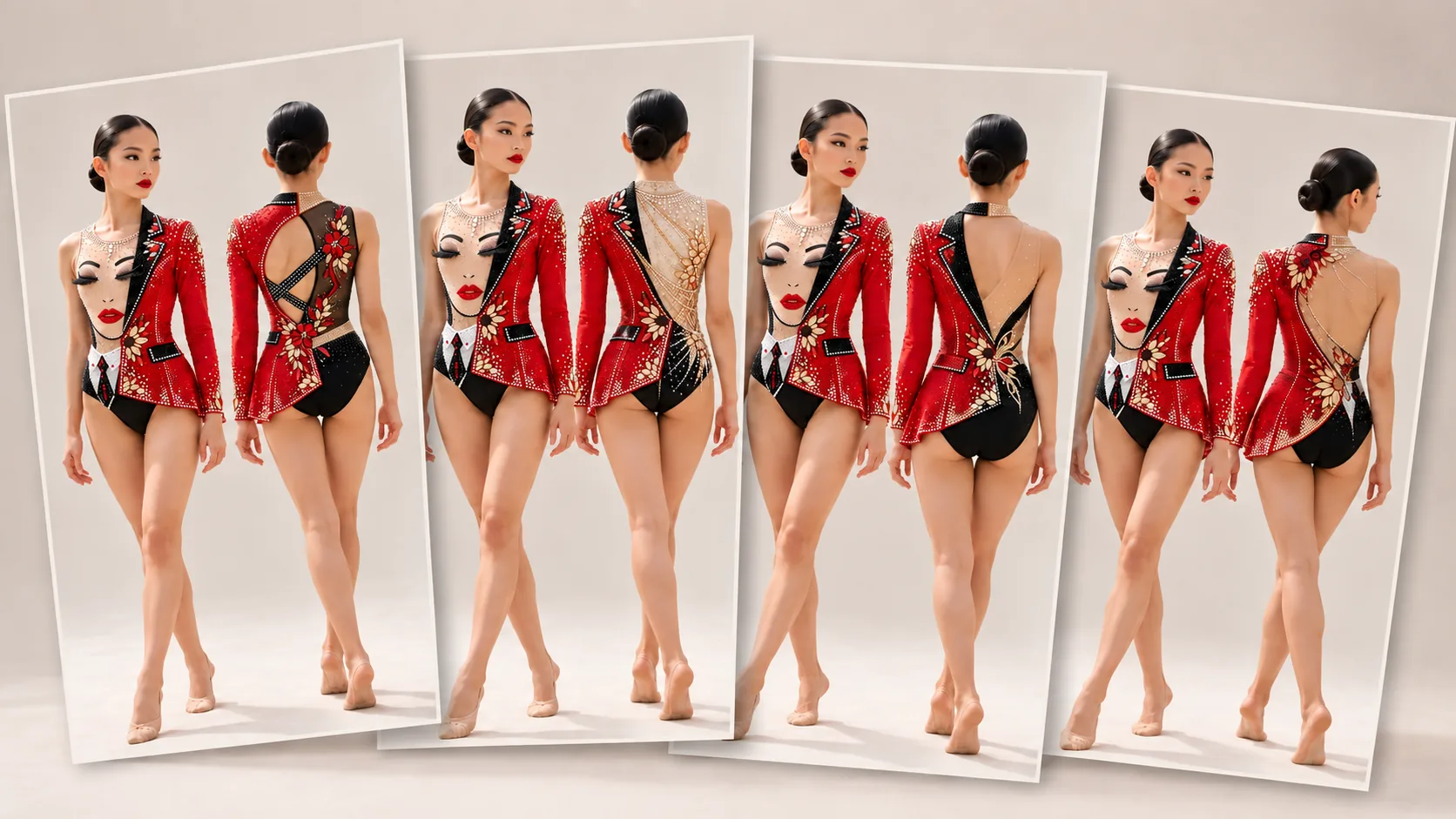
You can run exactly the same prompt several times and get completely different back designs. There is no need to start rewriting the prompt after the first result — first see how many directions the same reference and the same prompt can produce.
In this example, I generated four different back designs. Once they are placed side by side, it becomes much easier to decide which direction is worth developing further.
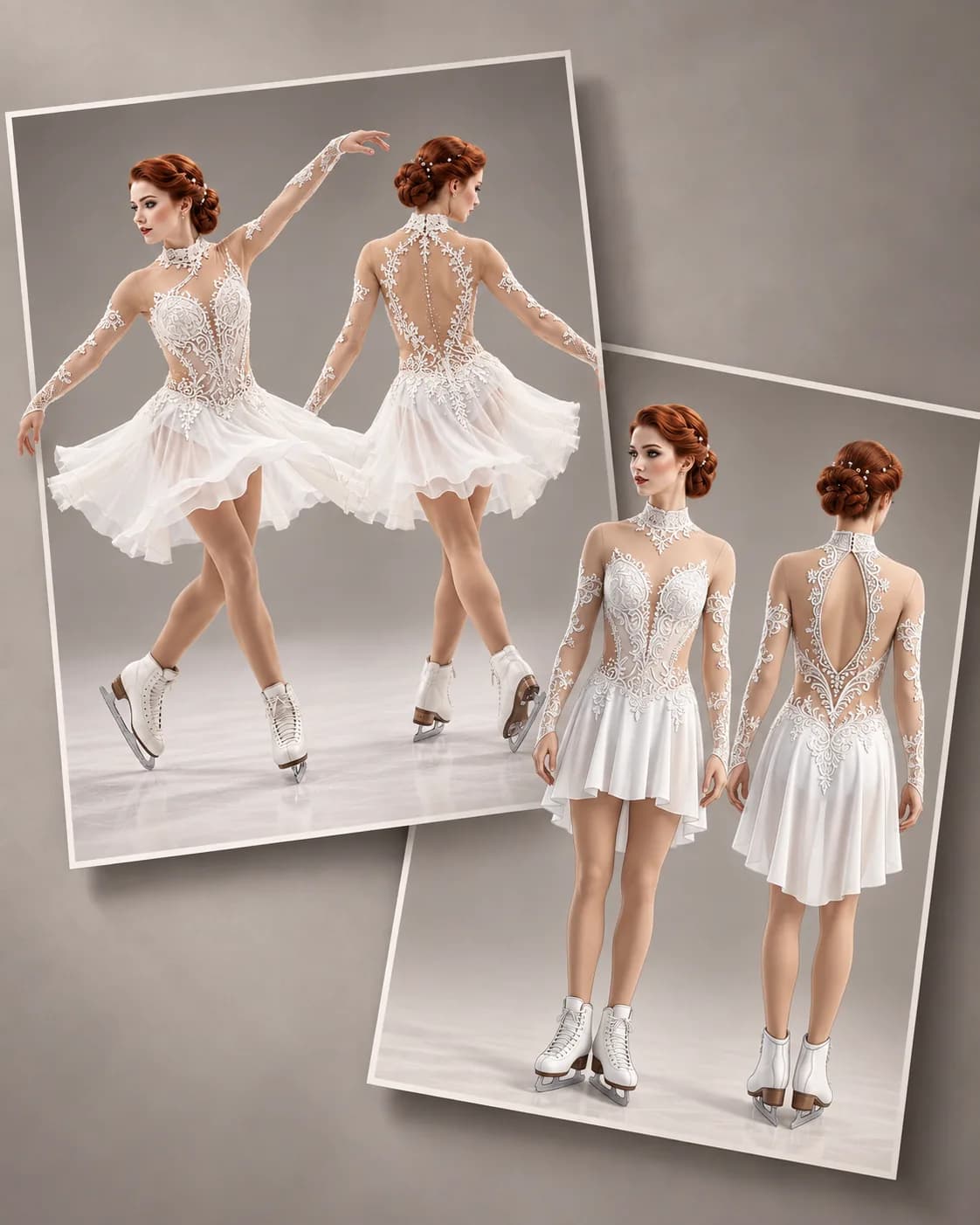
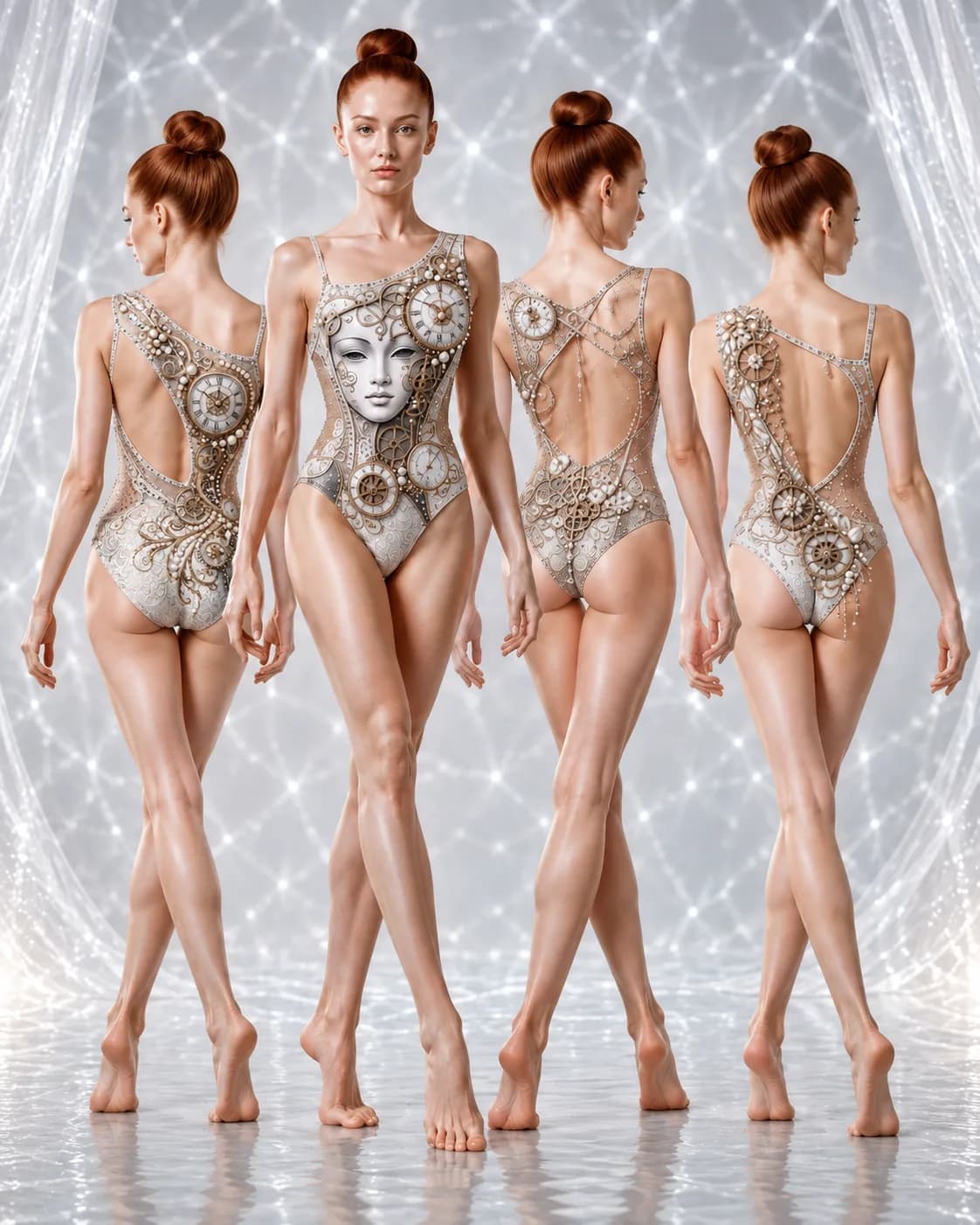
At first, it seemed logical that each sport would need its own version of the prompt. But the results showed otherwise: the same prompt works equally well with different types of competition garments.
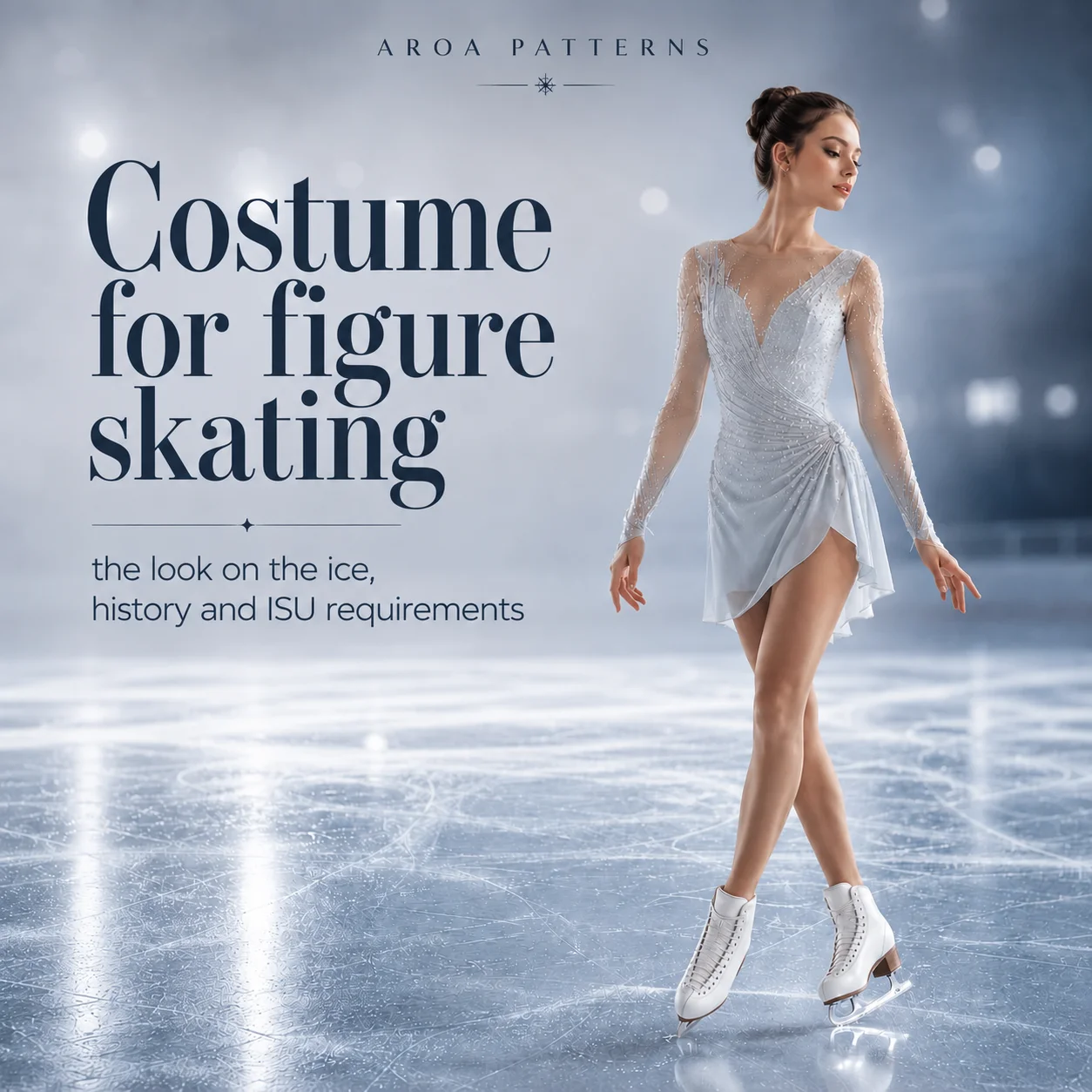
You do not need to tell the AI in advance whether the reference is a rhythmic gymnastics leotard, a figure skating dress or a unitard. The image itself already provides enough information about the silhouette, materials, lines and style of embellishment. The prompt follows that visual language and develops new back designs without losing the original idea.
That makes the process especially convenient: save one universal prompt, switch the reference image — and use it for a figure skating dress, an artistic swimming swimsuit or a unitard.
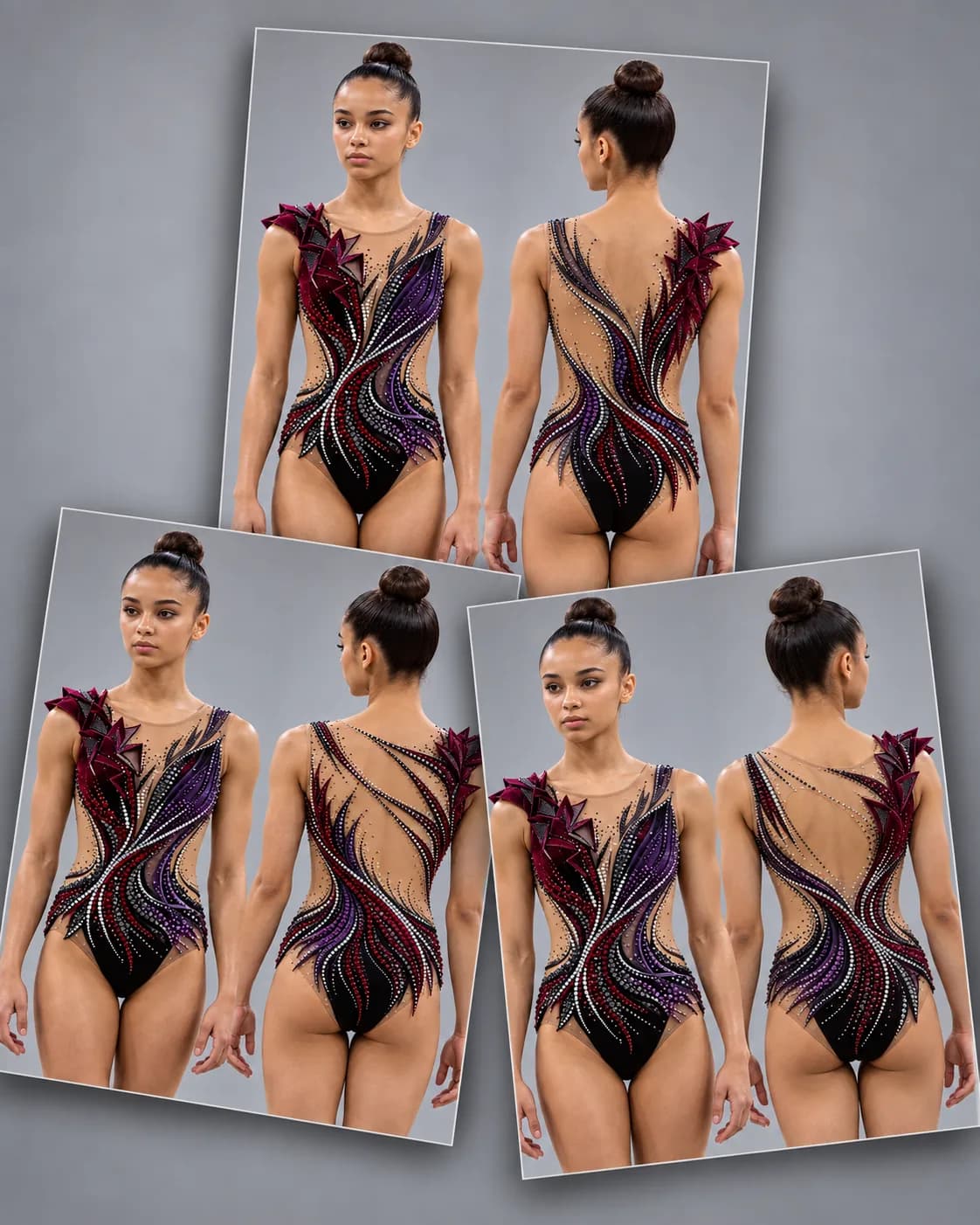
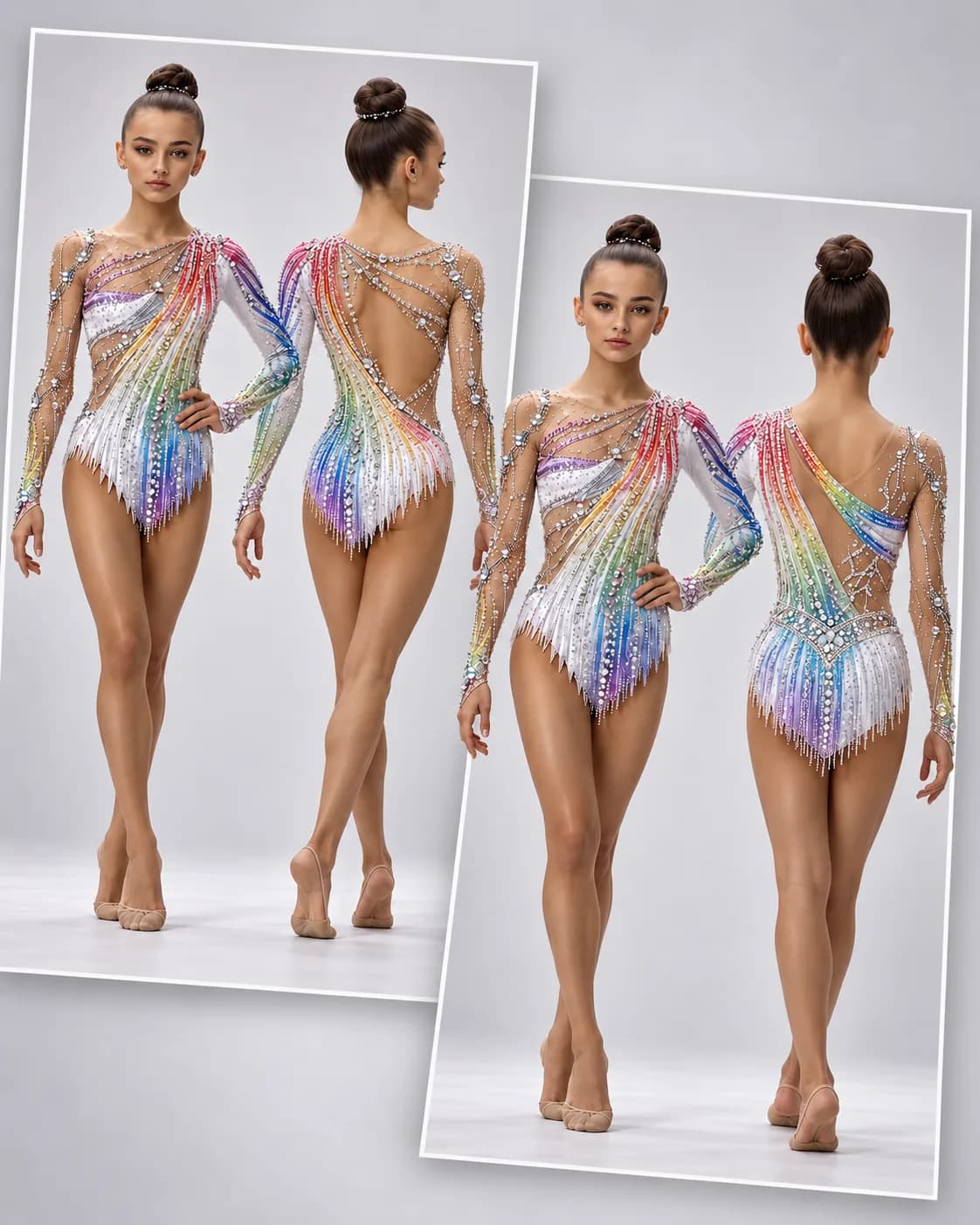
These examples were created in ChatGPT. The same approach can also be tested in Gemini with Nano Banana, Midjourney Edit and Adobe Firefly — all of them can work with uploaded images or visual references.
The specific tool is not the most important part. AI models change quickly, so it makes more sense to focus on how well a tool preserves the original design and follows the reference.
AI can create an impressive-looking design without taking competition rules, material properties or real sewing construction into account. Before developing a generated concept further, check the following:
The back is only the first step. In the next article, we will create a complete Costume Map: several consistent views and details of the same design, together with a separate prompt for generating it.